ColorScan
True paint color from a photo
Your camera sees the light in the room, not the paint. ColorScan measures that light and divides it out, so you get the color that is actually on the wall and the closest paints you can buy. Free on iPhone.
Download on the App Store
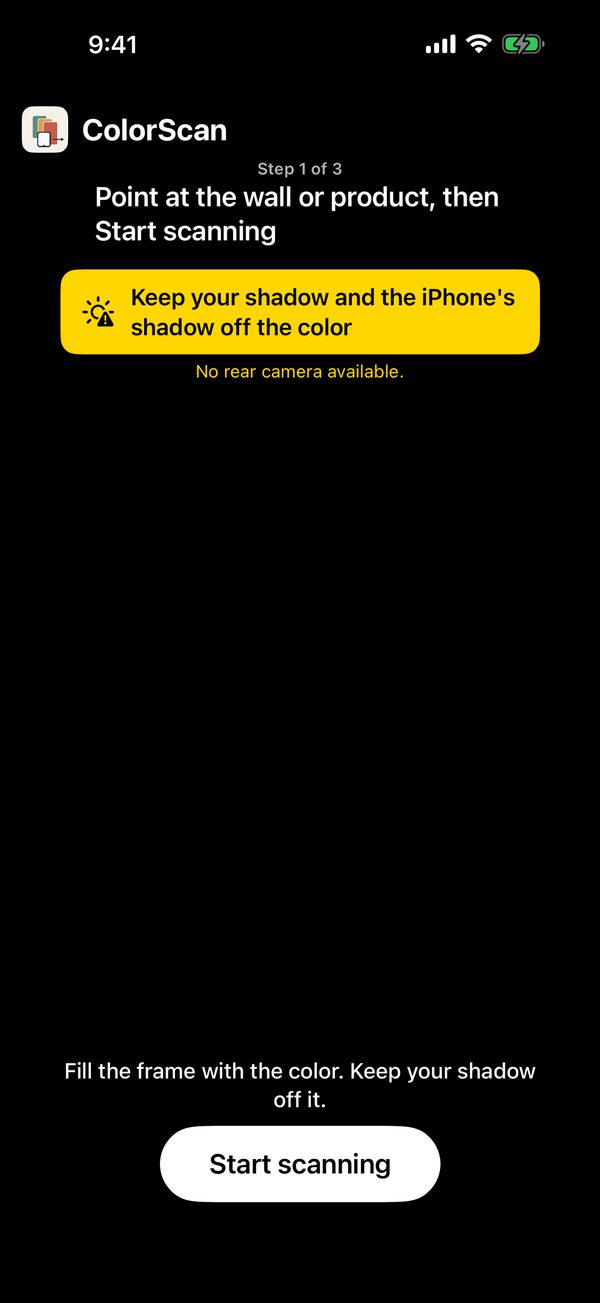 1. PhotographPoint the iPhone at the wall or product and tap Start scanning. Keep your shadow off the color.
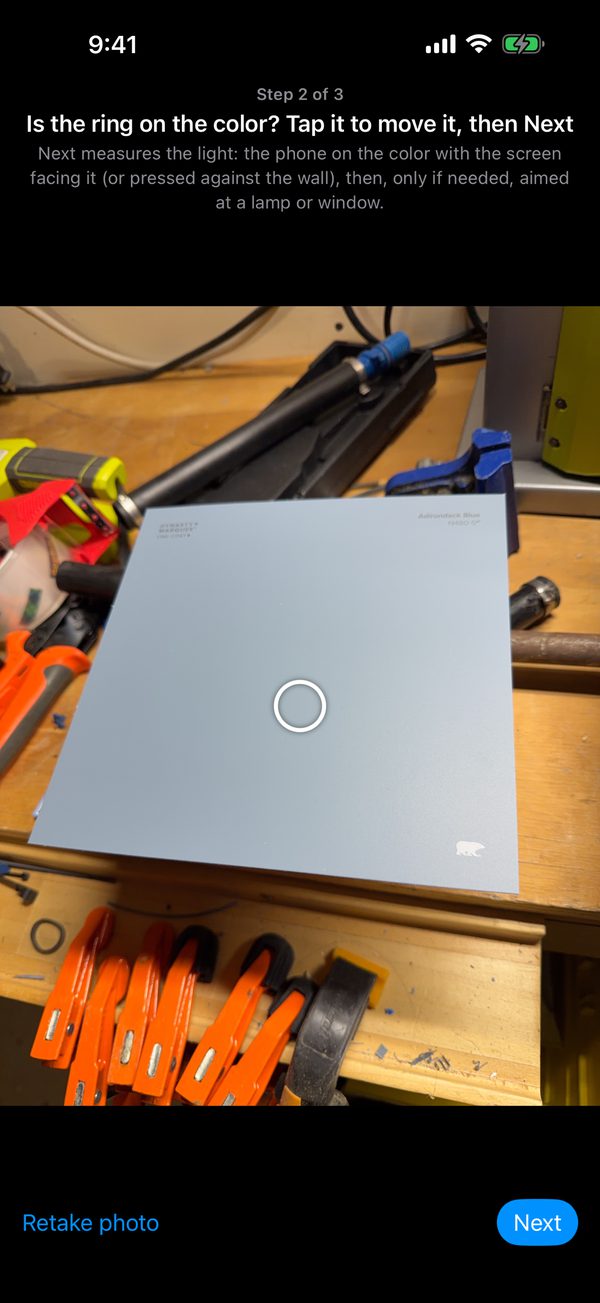 2. Measure the lightLay the phone on the same spot, screen facing the surface. The camera on the back now faces the room and reads the light falling on that spot.
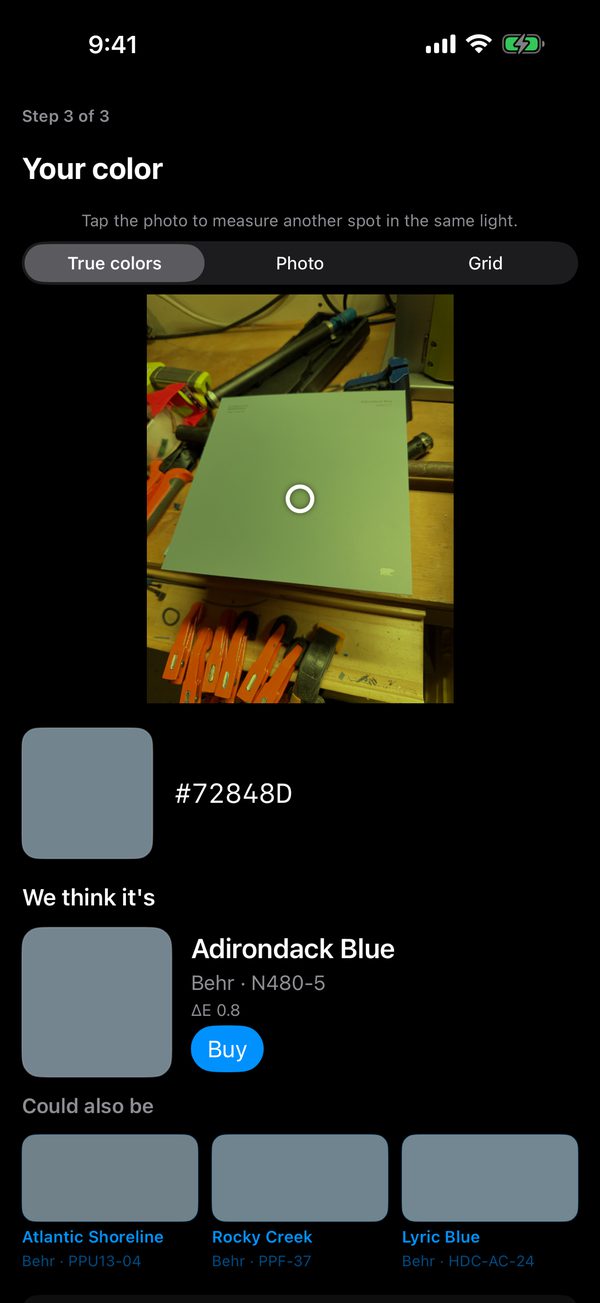 3. Your colorSee the true color, the paint we think it is, close alternatives, and a Buy link to the retailer.
What is in the catalog
About 20,000 colors from Behr, Sherwin-Williams, Benjamin Moore, PPG, Glidden and Valspar. Matches show the brand, color name and code, and a ΔE distance so you know how close the match is. Tap the result photo to measure another spot in the same light.
Privacy
Everything happens on your phone. No account, no analytics, nothing uploaded. Photos are saved to your library only when you tap Save. Read the privacy policy.
Support
Problems, a wrong match, or a wish for another paint brand: email support@peassolutions.com. If a match looks wrong, tell us the phone model, the lighting (daylight, lamp, mixed) and, if you know it, the paint code the surface really is. That is what we use to improve calibration.
Learn more
Tips for a good reading
- Shoot from the side so neither your shadow nor the phone's falls on the spot.
- Daylight or a single steady lamp works best. Avoid mixed light and flickering LEDs.
- Matte paint reads better than gloss. Move the ring away from reflections.